
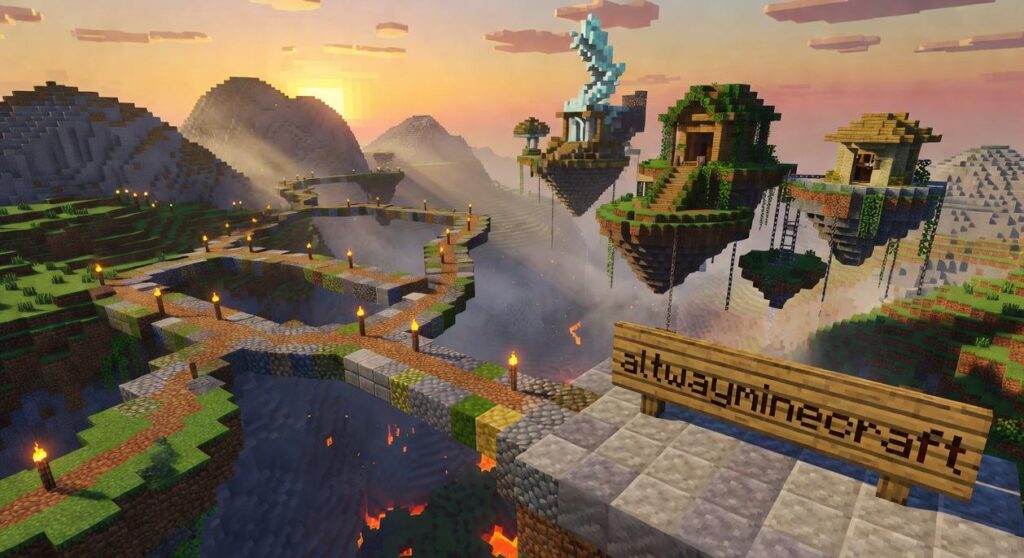
I love Minecraft. But let’s be real about the problems.
The lag when you’re building something massive. The headache of getting mods to work together without breaking everything. The feeling that you’ve hit a creative wall because the base game only goes so far.
You’re here because you want something better. A platform that runs smoother, lets you customize without pulling your hair out, and gives you new ways to build and play.
I’ve tested dozens of Minecraft alternatives to find the ones that actually deliver. Not the ones that just look good in screenshots.
This guide covers the best alternative gaming platforms that fix what Minecraft gets wrong. Better performance. Easier modding. Fresh gameplay that reignites why you fell in love with block building in the first place.
At altwayminecraft, we stay on top of what’s happening in the gaming world. We test these platforms ourselves and talk to the communities using them daily.
You’ll get a clear breakdown of each option. What makes it different. Who it’s best for. And whether it’s worth your time.
No fluff. Just the platforms that can actually replace or improve your Minecraft experience.
Why Look Beyond Official Minecraft?
I’ll be honest with you.
I wasted three entire weekends trying to get a modpack running smoothly on the official Java client. Three weekends I’ll never get back.
The lag was unbearable. My FPS dropped to single digits every time I explored a new chunk. And this was on a machine that could handle pretty much any other game I threw at it.
Here’s what nobody tells you about official Minecraft.
It wasn’t built for what we’re doing with it now.
The Java client especially struggles when you start piling on mods. I learned this the hard way after my fifth crash in an hour (and yes, I had backups, but that’s not the point).
You spend more time managing dependencies than actually playing. One mod needs version 1.19.2. Another only works with 1.19.4. A third crashes if you even look at it wrong.
I get why some players stick with vanilla. They say modding is too much hassle and the official version just works. Fair enough.
But that’s exactly the problem.
The official clients limit what’s possible. You can’t fundamentally change how the game works. You’re stuck with the ruleset Mojang gives you.
And if you’re running a server? The costs add up fast. Hosting fees, licensing considerations, and hardware requirements that make your wallet cry.
I found altwayminecraft while searching for better options. What caught my attention was the open-source angle.
Because here’s what I’ve learned after years of gaming: when a community can actually modify the source code, magic happens.
You get performance fixes the official team would never prioritize. Custom gameplay mechanics that change everything. Server rulesets that create entirely new experiences.
The freedom matters more than I thought it would.
The Top-Tier Alternatives: A Deep Dive
Let me be honest with you.
I’ve tested dozens of block-building games over the years. Most of them are cheap knockoffs trying to ride Minecraft’s success. But a few actually bring something worthwhile to the table.
Here are the ones I actually recommend.
Minetest: The Open-Source Powerhouse
This one surprised me.
Minetest isn’t technically a game. It’s a game engine. And that’s exactly why it works so well.
The thing runs on almost anything. I’ve installed it on a laptop from 2012 and it played smoother than Minecraft ever did on that machine. If your hardware is struggling, this is your answer.
But here’s what most people don’t get about Minetest. The base install is pretty bare. You need to add “games” to it (think of them as total conversion mods). MineClone2 is the one I point people toward first. It recreates the survival crafting experience almost perfectly.
The learning curve is steeper than I’d like. But once you figure out how to install games and mods, you’ve got more freedom than you’ll ever have in vanilla Minecraft.
Terasology: The Voxel Game of the Future
Now this is where things get interesting.
Terasology feels like what Minecraft could’ve been if it launched in 2024. The procedural generation is beautiful. The lighting system actually makes you stop and look around sometimes (which never happens to me in blocky games).
I’ll admit it. This one’s heavier on your system. But if you’ve got the hardware to run it, the immersion is worth it. The gameplay modules let you build out whatever experience you want, from pure survival to city-building simulations.
It’s still in development. Some modules are rough around the edges. But I keep coming back to it because it feels like it’s actually trying to push the genre forward instead of just copying what already exists.
Advanced Game Launchers: Prism Launcher & MultiMC
Okay, so these aren’t new games.
But they solve so many problems that I had to include them here. If you’ve ever struggled with how to unfreeze water in minecraft altwayminecraft or dealt with mod conflicts that broke your game, you know how frustrating the default launcher can be.
Prism Launcher (my personal pick) gives you total control. You can install entire modpacks with one click. Manage multiple game instances without them interfering with each other. Switch between Java versions depending on what your mods need.
I use it for everything now. The default launcher feels like using a flip phone after you’ve had a smartphone.
MultiMC is similar but hasn’t been updated as frequently. I’d go with Prism unless you’ve got a specific reason not to.
Feature Breakdown: Which Platform is Right for You?

Let me break this down in a way that actually helps.
You’re probably wondering which platform fits your setup and playstyle. Some people say it doesn’t matter, that you should just pick whatever looks cool. But that’s how you end up frustrated with a game that either won’t run or doesn’t match what you’re after.
Here’s what actually matters.
Mod Support & Ease of Use
Minetest wins if you want simple modding. It has a built-in API that just works. You download a mod, drop it in the folder, and you’re done.
Minecraft’s Java modding scene is massive but messy. You’ll need a launcher like Prism to manage everything. The upside? You get access to thousands of mods that can completely transform the game.
Terasology sits somewhere in between. It’s built for modding from the ground up, but the learning curve is steeper.
Performance & System Requirements
This is where most people get it wrong.
Minetest runs on anything. Old laptop from 2012? You’re fine. It’s lightweight and won’t make your fans scream.
Official Minecraft needs a decent machine. With a good launcher, you can tweak settings to run smoothly on mid-range PCs. Check out altwayminecraft for launcher recommendations that help with performance.
Terasology? That’s for gaming rigs. It looks beautiful but demands serious hardware.
Community & Multiplayer
Minetest has a smaller, indie-focused community. Think DIY builders and experimental servers.
Minecraft has everyone. Kids, streamers, builders, redstone engineers. The player base is huge, which means you’ll always find servers.
Terasology’s community is mostly developers and tech-minded players. Great if you want to contribute to the project itself.
Cost
Here’s the simple version.
Minetest and Terasology are free. Period.
Minecraft costs money upfront, but launchers like Prism are free to use once you own the game.
Specialized Picks for Unique Gaming Styles
Not every Minecraft player wants the same thing.
Some of you are running 200-mod setups that would make your CPU cry. Others want to learn how games actually work under the hood. And a few of you just want to build without all the survival mechanics getting in the way.
Here’s what most launcher guides won’t tell you.
For the Hardcore Modder: Prism Launcher
If you’re juggling massive modpacks and need control over every Java argument, Prism Launcher is your answer. I’m talking about the kind of setup where you’re allocating specific RAM amounts per instance and tweaking garbage collection settings because you can.
It’s what I use when I need to run multiple heavy modpacks without everything crashing. The instance isolation alone is worth it (no more mod conflicts bleeding between worlds).
For the Aspiring Game Developer: Minetest
Want to actually understand how voxel games work? Minetest lets you code your own game using Lua. It’s open source and way more flexible than you’d expect.
You’re not just playing. You’re learning how block physics work and how to script game mechanics from scratch.
For the Creative Builder: Classicube
This one’s different. Classicube takes you back to 2009 Minecraft but adds better world-editing tools. No mobs. No hunger bars. Just pure building.
If you’ve ever wished modern Minecraft would get out of your way and let you create, this is it. The community at altwayminecraft has been exploring these alternatives, and the creative freedom is real.
Build Your World, Your Way
The best Minecraft experience is different for everyone.
What works for me might not work for you. That’s the whole point.
You came here because you were tired of dealing with lag and complicated mod setups. You wanted something better.
These alternative platforms give you that. Minetest hands you complete freedom to shape your game. Prism Launcher and others put you in control of how everything runs.
No more settling for performance that drags or tools that fight you every step of the way.
The power is back where it belongs. In your hands.
Here’s what to do: Pick the platform that matches how you want to play. Download it. Start building in a world that actually works the way you need it to.
You can find more guides and tips at altwayminecraft to help you get the most out of your setup.
Your perfect Minecraft experience is waiting. Go create it.
 brett25 founded Altway Minecraft to merge deep strategic analysis with the vibrant culture of gaming. By focusing on game design insights and mastery tips, he has built a platform dedicated to helping players sharpen their skills and stay ahead of evolving industry trends. Through his leadership, the site serves as a vital resource for those looking to understand both the mechanics and the artistry of the modern gaming landscape.